

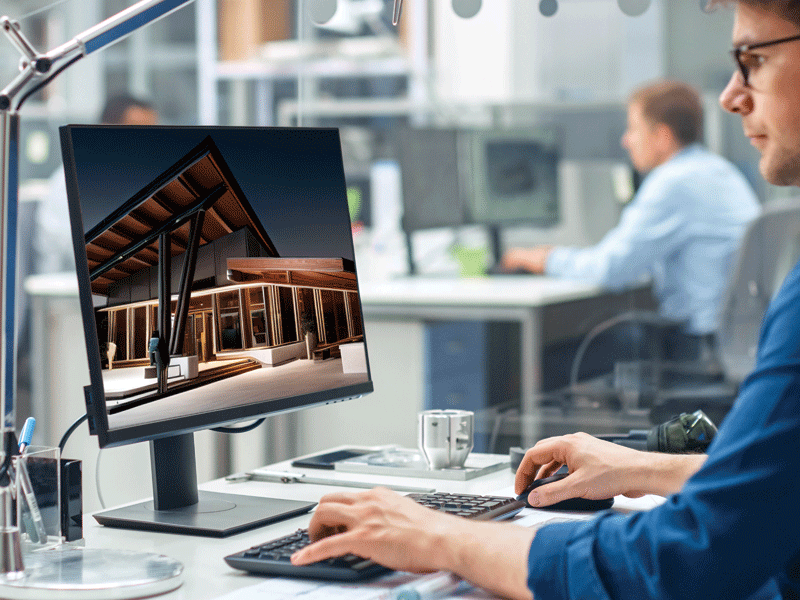
Technology continues to reshape architecture. From artificial intelligence (AI) to visualization advances, new tools empower architects to spend more time exploring, creating, and pushing the boundaries of design.
With these tools increasingly incorporated into the software designers use daily, now is a great time to dip a toe or dive deeper into the seemingly endless opportunities presented by AI and ever-evolving tech. From generative AI for image creation and realistic material representations in real-time 3D to parametric modeling that enables editing a large amount of geometry all at once, today’s developing technologies will no doubt reshape architecture and design, freeing up mental capacity to solve more complex challenges and create truly human-centered solutions.
AI and other emerging technologies increasingly influence architects’ work, acting as catalysts for creativity, productivity, and communication.
Creative liberties
By automating tasks, AI liberates architects to focus on work that demands creativity, emotional intelligence, and strategic thinking—qualities that AI cannot replicate. This translates to more time for innovative design, nurturing client relationships, and tackling complex problems.
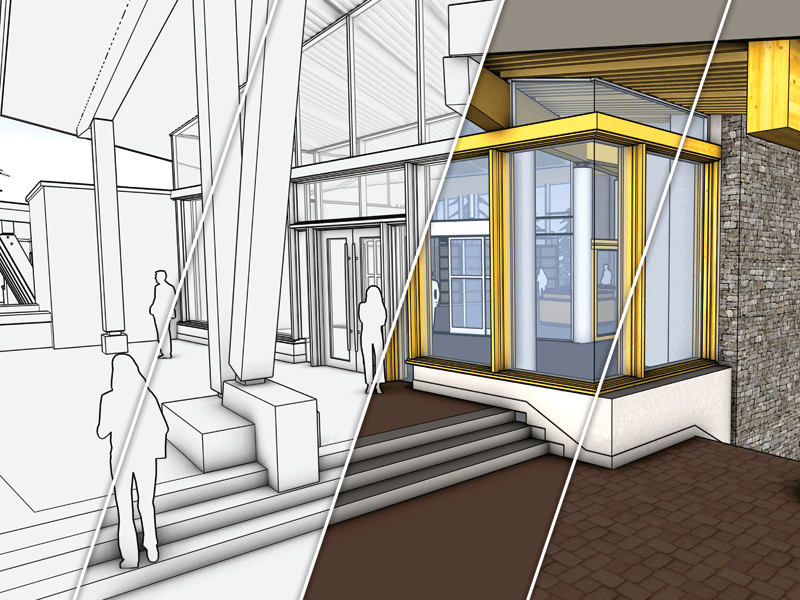
While AI does not have a creative vision, combining AI and 3D modeling tools offers a new way to quickly generate images that inspire the creative process and support design narratives.
AI tools can also inspire, allowing architects to explore new and unexpected concepts with little to no modeling. With a text description of what an architect envisions, AI tools can generate conceptual visuals in seconds. For example, an architect starting with a basic massing model may want to generate concepts for the form of the project and use a text prompt as simple as “metal-clad residence in forested setting” to describe how they want the building to look. The AI tool would generate a few images that, without specifying the type or finish of the metal, may give the architect ideas they did not previously imagine.
The output from the AI tools can serve as early inspiration that an architect continues to develop or uses to create a mood board for client feedback and early alignment.
Many tools allow users to decide how much influence prompts have and how strictly the model is adhered to in generated images. The AI can be calibrated to generate images that retain or stray from the exact geometry, offering inspiration and a way to explore fresh ideas quickly. Further along the design process, AI can generate photorealistic or stylized images to communicate intent—within seconds. Instead of searching endlessly for a similar precedent and trying to convey to clients how the concept is “close but a little different,” architects can use AI tools to generate compelling visuals. Designers can explore a design within its context, lighting conditions, and materiality without changing the fundamental 3D model shape, providing specific instructions or parameters about the time of day, the type of lighting, the texture of materials, and the context in which the design will be placed.
Productivity pivots
Pivoting beyond creative efforts, tools like ChatGPT or Google’s Gemini act as virtual assistants that can efficiently tackle project management tasks. AI can quickly complete day-to-day tasks like drafting an email, creating a project tracker spreadsheet, or summarizing research papers, articles, or meeting notes.
Though the future of AI in architecture is unknown, its proliferation is rapid and high impact. Text-to-3D tools make it easy to envision a future where typing a handful of parameters delivers fully baked 3D models, complete documentation sets, and fully detailed specifications. Nevertheless, there remains a vital need for the profession to leverage AI as an assistant for speeding up mundane yet essential tasks, not as a replacement for thoughtful, human-centered design. Architects still need to shepherd and guide the process with critical thinking and creativity.
Visualization evolved
Visuals have come a long way from the days of hand-drawn sketches. The transition to digital platforms changed how architects create, communicate, and collaborate. With advances in 3D modeling and rendering tools, photorealistic images and immersive experiences bridge the gap between imagination and reality, bringing designs to life long before construction.
Advances in visualization tools have made it easier to view and communicate projects with compelling depth and richness while striking the appropriate balance between simplicity and realism—as is appropriate for the design phase. Architects can quickly assess the impact of natural and artificial light, materials, and environmental factors on their proposals so that they can make more informed design decisions.
One example allows designers to make specific material decisions in 3D space without needing external rendering engines or additional verbal descriptions. Physically based rendering (PBR) and real-time rendering, staples in the gaming and motion graphics industries, are rapidly making their way into 3D design software, helping stakeholders make accurate material decisions within the 3D environment.
Consider metal cladding, which can have many different finishes, each creating subtly different appearances. Architects and designers can capture the real-world look and feel—shimmer, texture, reflection, luster—for true-to-life visuals that showcase their nuanced vision. Unlike static renderings, they can orbit the model and see how material changes based on lighting and viewing angle, adding a fourth dimension to the 3D environment.
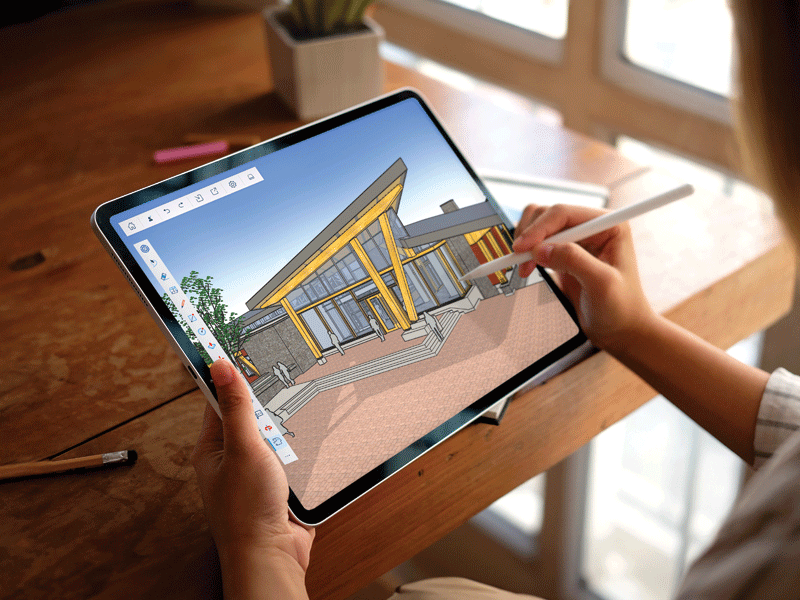
The way design is experienced through software has evolved significantly, moving from static rendering to real-time rendering. In the past, designers would complete the modeling and material application processes, then press the render button and wait several hours for the final output. They can now apply styles and materials and instantly see the effect as they continue to interact with the 3D model. This creates an immediate feedback loop between the architect, client, and design, enabling faster iteration and stronger alignment across project stakeholders.
Cloud-based collaboration
Virtual and mixed reality have also become common review and communication tools in many architects’ toolkits. Whether providing clients with a full 360-degree virtual world they can move through or overlaying digital space onto actual physical surroundings, these tools offer an immersive way to experience designs and get critical feedback early in the process. Not limited to client reviews, VR also helps design principals have more productive conversations with internal teams by experiencing project details instead of simply seeing them on paper or a screen, reducing misalignment and efficiently moving the design forward.
Cloud-based virtual collaboration platforms also enable new workflows and quicker feedback, regardless of physical location. Designers can visualize their prescribed layout and see avatars of other team members as if everyone is in the same space, walking through the project together. Virtual meetings no longer need a grid of people on a small screen. They can be fully immersive experiences that parallel the energy and productivity of
in-person collaboration.
These tools help create accurate representations and are essential in client presentations, project approvals, and stakeholder communication.
An architect’s job is complex and hinges, in many ways, on relationships—whether with clients or other project stakeholders. Going from the imagined world to the physical world is an audacious goal. AI and visualization advances transform workflows and simplify how architects communicate design intent, align with clients, and make project decisions as they move forward.
Dan Scofield is a software specialist for Trimble SketchUp. Coming from a background in architecture, he has spent the last decade bringing the AEC industry new technology that improves usability while fostering human creativity. He can be reached at dan_scofield@trimble.com.